Play Game

Powered by EmulatorJS · Arcade
Seta Aleck64 cart. published 23 years ago:
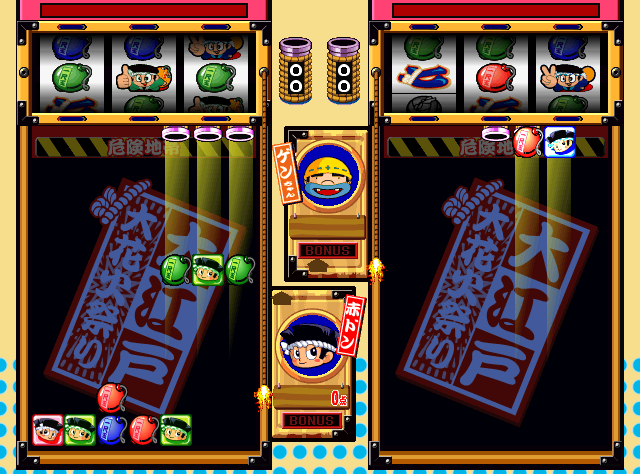
Donchan Puzzle Hanabi de Doon! (c) 2003 Aruze.
A puzzle game with a fireworks theme.
- TECHNICAL -
Seta Aleck64 hardware
CPU: R4300i @ 93.75 MHz Co-Processor: 64-bit RISC processor @ 62.5 MHz, RCP SP (Sound and Graphics Processor), and DP (Pixel Drawing Processor) Sound: 16 bit stereo, 44.1Khz; ADPCM sound compression, up to 100PCM channels RAM: Rambus D-RAM 36 Mbits Resolution: 256 X 224 - 640 X 480 Colours: 16.8 million colors
Players: 2
- TRIVIA -
Donchan Puzzle Hanabi de Doon was released in December 2003 in Japan only.
- STAFF -
Developed by Takumi.
- PORTS -
* CONSOLES: Nintendo Game Boy Advance (2004) "Donchan Puzzle Hanabi de Doon! Advance"
Player layout in our catalog: 2P sim.
If you are exploring by feel rather than by title, jump from the tags above into the matching genre rooms, or return to the Arcade hall for the full wall.
Open Play on this page to start Hanabi de Doon! - Don-chan Puzzle. Keyboard, USB/Bluetooth pads, and the on-screen touch gamepad all work inside the emulator bar. Save states and fullscreen live on that same bar so you can pause mid-session and resume later.
Player layout on this cabinet: 2P sim.
Genre tags on Classic Arcade Games: Puzzle, Arcade.
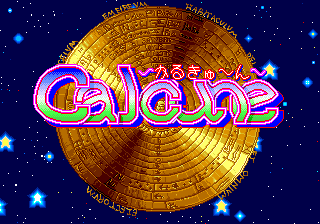
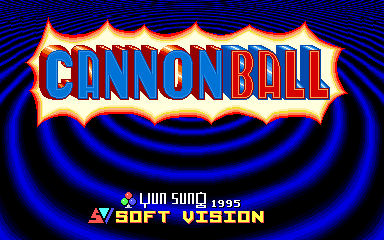
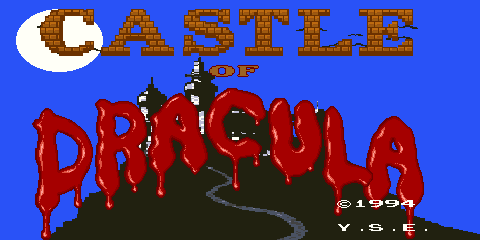
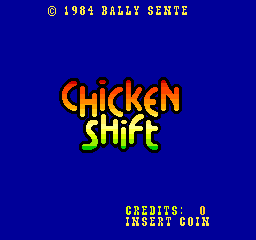
Nearby cabinets you may also open from this hall (each on its own play page):Beezer (version 9.0), Bloxeed (Japan), Calcune (Japan, prototype), Cannon Ball (Yun Sung, horizontal), Castle Of Dracula, Vs. Clu Clu Land, Candy Puzzle (v1.0), Cookie & Bibi 2 (set 1), Chicken Shift, Daitoride, Deroon DeroDero (earlier), Dragon Punch (Japan)
Yes. Classic Arcade Games hosts Hanabi de Doon! - Don-chan Puzzle as a Arcade cabinet you can start on this page. The emulator loads in the browser; you do not need to install a separate app.
Arcade stick feel: Arrow keys for the joystick, X/Z (and nearby keys) for buttons, Enter=Start. USB / Bluetooth pads map cleanly; six-button fighters use the face-button cluster.
Our catalog tags Hanabi de Doon! - Don-chan Puzzle under Puzzle, Arcade. Open those genre rooms from the tags on this page to find more playable cabinets in the same feel.
Copy the iframe code below to embed this game on your site.
<iframe src="https://classicarcade.games/games/arcade/doncdoon?embed=1" width="800" height="600" allowfullscreen allow="gamepad; autoplay; fullscreen"></iframe>