Play Game
Powered by EmulatorJS · Arcade
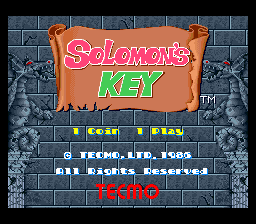
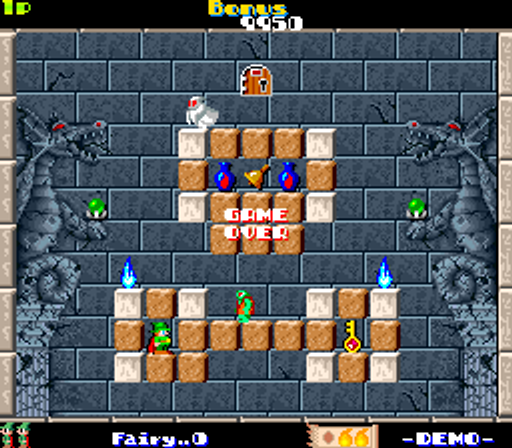
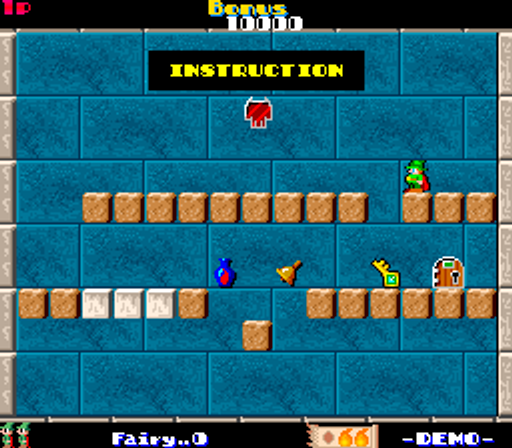
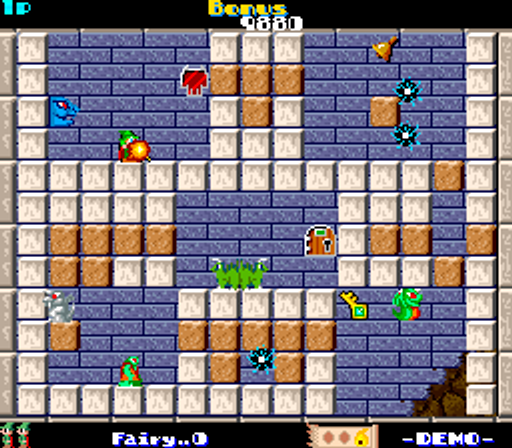
Constellation Space contains fifty rooms that the wizard Dana must navigate to find Solomon's key. Players use a magic wand to create or destroy granite blocks to manipulate the environment. Repeatedly jumping into blocks located directly above Dana's head allows for destroying them, facilitating movement through the maze-like levels.
Player layout in our catalog: 2P alt.
If you are exploring by feel rather than by title, jump from the tags above into the matching genre rooms, or return to the Arcade hall for the full wall.
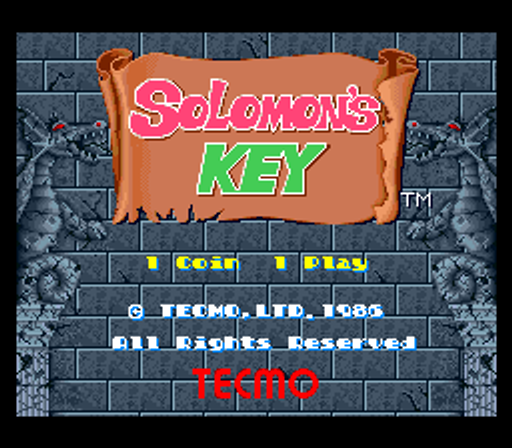
Open Play on this page to start Solomon's Key (US). Keyboard, USB/Bluetooth pads, and the on-screen touch gamepad all work inside the emulator bar. Save states and fullscreen live on that same bar so you can pause mid-session and resume later.
Solomon’s Key (Tecmo) is puzzle-platform alchemy: create and destroy blocks, collect keys and items, and clear rooms that punish dig tourism into enemies. Your job is geometry honesty—build a path with an exit, place fireballs when safe, and stop panic-blocking yourself into a corner. Lives end fast when the timer and monsters agree. Treat each room as a construction puzzle, not as a jump-everywhere score farm under cute magic art.
On room one, practice create/destroy on a short safe loop before inventing full-ceiling highways. Collect the key with a retreat planned; cornering yourself mid-grab gifts a touch death. Use fireballs when monsters are honest to hit—not as panic spray into a dead-end. Early rooms are geometry labs. One clean clear beats three dig-into-monster deaths that looked industrious until the path closed.
Block create/destroy, fireballs, keys, items, monsters, timers, and room layouts define Solomon’s Key. Lives punish haste. Continues fund pattern memory as rooms tighten. Score toys wait until survival geometry is honest. Monsters punish tunnel vision while you build a vanity staircase. Survival route planning gates every alchemy fantasy the cabinet sells. Panic block religions are still free deaths with extra brick animation.
Rooms cleared with lives and time left beat block tourism that traps you in a cul-de-sac. Continues while create/destroy composure builds; cut them once self-trap deaths stop. Score waits until survival geometry is boring under pressure. Extends follow score when present—clean rooms beat farming room one forever for vanity stairs that still die mid-build.
Building into dead-ends, key greed without an exit, ignoring monsters mid-construct, and panic fireballs into corners are classic Solomon’s Key mistakes. Build with an escape, collect when calm, burn when safe. Magic art will not soften a corner you bricked yourself into. Treating the timer as optional chrome is how Tecmo collects the next credit.
Bomberman is Hudson bomb literacy if Solomon’s Key puzzle honesty still feels soft—re-learn key peeks there first under clearer key gospel. Puzzle Bobble keeps Taito bubble company warm on denser bubble boards. Magical Drop is Data East once Solomon’s Key honesty finally sticks and you want denser drop stress instead of Solomon boards. Deaths drop once panic-mash jumps stop mid-room. Clear one careful room before vanity jumps return on denser Tecmo cabinets.
Sources cited below under Further reading.
Solomon's Key (US) is filed in our catalog as a 1986 release.
Player layout on this cabinet: 2P alt.
Genre tags on Classic Arcade Games: Puzzle.
Credit line lists Tecmo as developer.
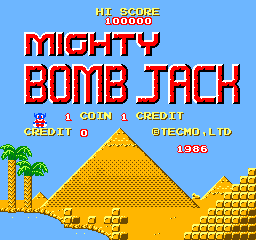
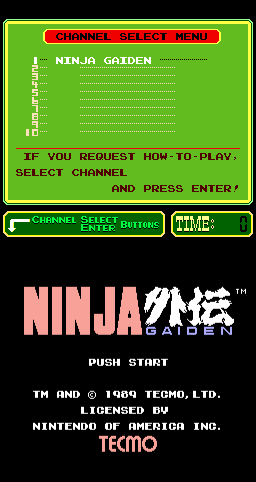
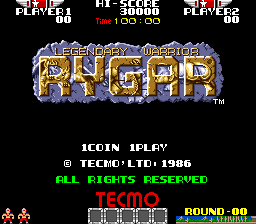
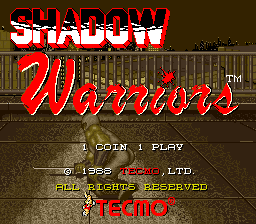
Nearby cabinets you may also open from this hall (each on its own play page):Gemini Wing (World), Vs. Mighty Bomb Jack (Japan), Ninja Gaiden (PlayChoice-10), Rygar (US set 1), Shadow Warriors (World, set 1), Silk Worm (World), Tecmo Bowl (World, set 1), Tee'd Off (Japan), Ninja Gaiden (handheld), 1 on 1 Government (Japan), Dead Or Alive ++ (Japan/USA/Export), Eight Forces
Pharaohs Match (Arcadia) · Tetris (set 1) · Bikkuri Card (Japan) · Canvas Croquis · Itazura Tenshi (Japan) · Meikyu Jima (Japan) · Lot Lot · Motos · Tetris (Photon System) · Tetris (set 4, Japan, System 16A) · Tetris (Korean bootleg of Mirrorsoft PC-XT Tetris) · Tetris (Japan, System E)
Gemini Wing (World) · Vs. Mighty Bomb Jack (Japan) · Ninja Gaiden (PlayChoice-10) · Rygar (US set 1) · Shadow Warriors (World, set 1) · Silk Worm (World) · Tecmo Bowl (World, set 1) · Tee'd Off (Japan) · Ninja Gaiden (handheld) · 1 on 1 Government (Japan) · Dead Or Alive ++ (Japan/USA/Export) · Eight Forces
Tecmo appears on this cabinet’s credit line. Browse more titles from the same studio on the developer shelf, or stay on this page and try the next cabinets in the same hall.
Gemini Wing (World) · Vs. Mighty Bomb Jack (Japan) · Ninja Gaiden (PlayChoice-10) · Rygar (US set 1) · Shadow Warriors (World, set 1) · Silk Worm (World) · Tecmo Bowl (World, set 1) · Tee'd Off (Japan)
Yes. Classic Arcade Games hosts Solomon's Key (US) as a Arcade cabinet you can start on this page. The emulator loads in the browser; you do not need to install a separate app.
Arcade stick feel: Arrow keys for the joystick, X/Z (and nearby keys) for buttons, Enter=Start. USB / Bluetooth pads map cleanly; six-button fighters use the face-button cluster.
Our catalog tags Solomon's Key (US) under Puzzle. Open those genre rooms from the tags on this page to find more playable cabinets in the same feel.
Copy the iframe code below to embed this game on your site.
<iframe src="https://classicarcade.games/games/arcade/solomon?embed=1" width="800" height="600" allowfullscreen allow="gamepad; autoplay; fullscreen"></iframe>