Play Game
Powered by EmulatorJS · Arcade
Arcade Video game published 40 years ago:
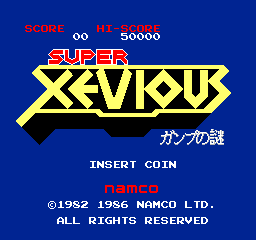
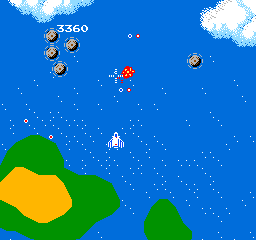
Vs. Super Xevious - Gump no Nazo (c) 1986 Namco.
Vs. release of "Super Xevious - Gump no Nazo [Model SX-4900]".
- TECHNICAL -
Main CPU: Zetex N2A03 (@ 1.789772 Mhz) Sound Chips: Zetex N2A03 (@ 1.789772 Mhz), DAC
Screen orientation: Horizontal Video resolution: 256 x 240 pixels Screen refresh: 60.00 Hz Palette colors: 64
Players: 2 Control: 8-way joystick Buttons: 2 = > [1] Zapper, [2] Blaster
- TRIVIA -
The subtitle translates from Japanese as "Gump's Riddle".
Player layout in our catalog: 1P.
If you are exploring by feel rather than by title, jump from the tags above into the matching genre rooms, or return to the Arcade hall for the full wall.
Open Play on this page to start Vs. Super Xevious. Keyboard, USB/Bluetooth pads, and the on-screen touch gamepad all work inside the emulator bar. Save states and fullscreen live on that same bar so you can pause mid-session and resume later.
Player layout on this cabinet: 1P.
Genre tags on Classic Arcade Games: Shooter, Arcade.
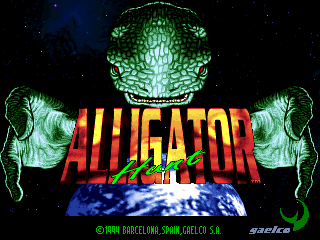
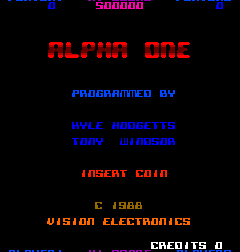
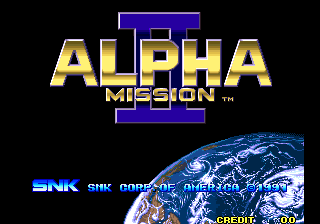
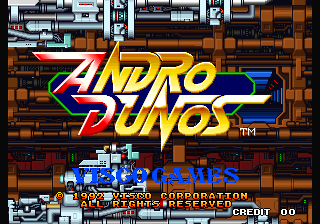
Nearby cabinets you may also open from this hall (each on its own play page):Xevious 3D/G (World, XV32/VER.B), Xevious (Namco), Air Combat 22 (Rev. ACS1 Ver.B, Japan), Akai Katana (2010/ 8/13 MASTER VER.), Akka Arrh (prototype), Alligator Hunt (World, protected), Alpha One (Vision Electronics), Alpha Mission II / ASO II - Last Guardian (NGM-007 ~ NGH-007), Andro Dunos (NGM-049 ~ NGH-049), Android (prototype, later build), Armed F (Japan), Asylum (prototype)
Xevious 3D/G (World, XV32/VER.B) · Xevious (Namco) · Air Combat 22 (Rev. ACS1 Ver.B, Japan) · Akai Katana (2010/ 8/13 MASTER VER.) · Akka Arrh (prototype) · Alligator Hunt (World, protected) · Alpha One (Vision Electronics) · Alpha Mission II / ASO II - Last Guardian (NGM-007 ~ NGH-007) · Andro Dunos (NGM-049 ~ NGH-049) · Android (prototype, later build) · Armed F (Japan) · Asylum (prototype)
Yes. Classic Arcade Games hosts Vs. Super Xevious as a Arcade cabinet you can start on this page. The emulator loads in the browser; you do not need to install a separate app.
Arcade stick feel: Arrow keys for the joystick, X/Z (and nearby keys) for buttons, Enter=Start. USB / Bluetooth pads map cleanly; six-button fighters use the face-button cluster.
Yes — related series cabinets on this site include Xevious 3D/G (World, XV32/VER.B), Xevious (Namco). Each has its own play page with the same browser emulator path.
Copy the iframe code below to embed this game on your site.
<iframe src="https://classicarcade.games/games/arcade/supxevs?embed=1" width="800" height="600" allowfullscreen allow="gamepad; autoplay; fullscreen"></iframe>