Play Game
Powered by EmulatorJS · Arcade
Arcade Video game published 43 years ago:
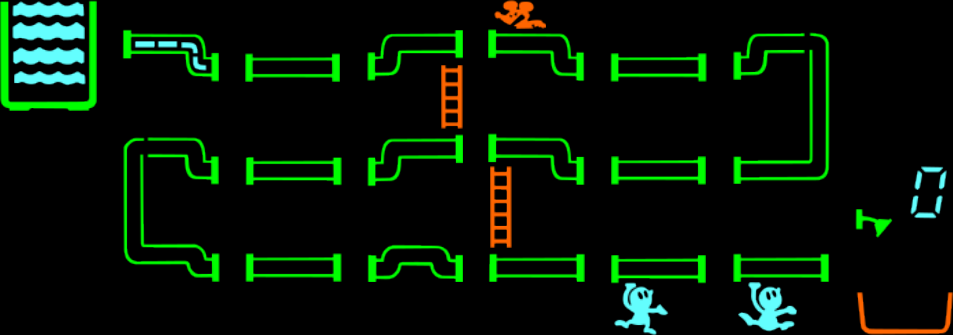
Dingo (c) 1983 A.C.G. [Ashby Computers & Graphics]
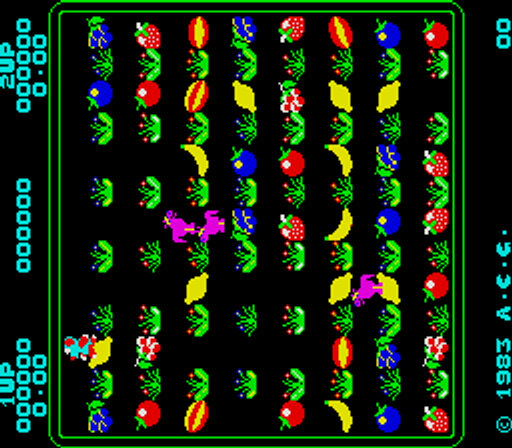
A maze game.
- TECHNICAL -
Main CPU: Zilog Z80 (@ 3.072 Mhz), Zilog Z80 (@ 1.62 Mhz) Sound Chips: General Instrument AY8910 (@ 1.62 Mhz)
Screen orientation: Vertical Video resolution: 224 x 256 pixels Screen refresh: 60.61 Hz Palette colors: 98
Players: 2 Control: 8-way joystick Buttons: 1
- TRIVIA -
Manufacturers Ashby Computers and Graphics, Ltd. were better known in the 1980s as 'Ultimate Play The Game', one of the best UK software houses of the time - these days known as 'Rare', a subsidiary of Microsoft. At the time the majority of their work was for the Z80-based Sinclair Spectrum, so it's not surprising to see that Dingo is similarly Z80-based. The font used in Dingo is the same font used in their Spectrum game of the same year, Atic Atac, and the Copyright symbol displayed on screen is copied directly from the standard Spectrum font.
- UPDATES -
The encrypted version uses a AY8910 @ 1.78975 Mhz instead 1.62 Mhz.
- SCORING -
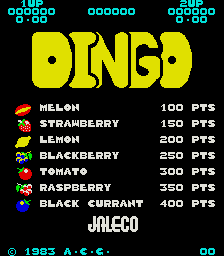
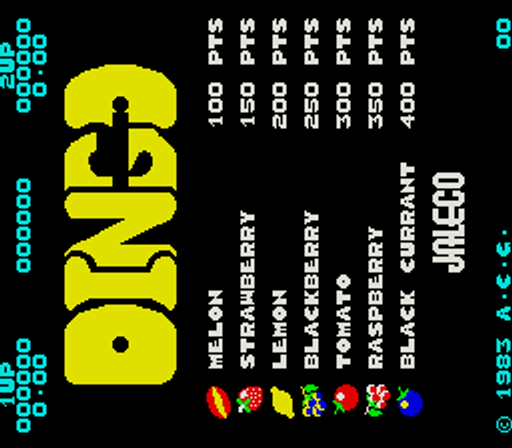
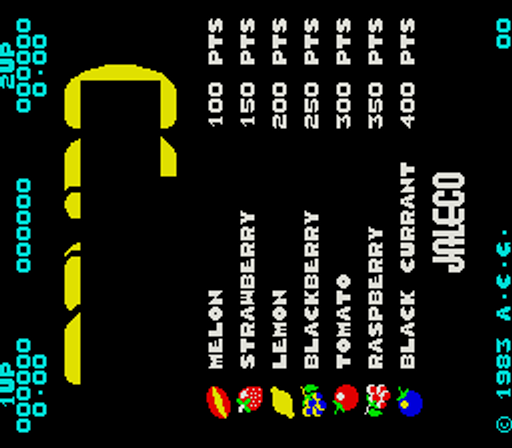
Melon: 100 pts. Strawberry: 150 pts. Lemon: 200 pts. Blackberry: 250 pts. Tomato: 300 pts. Rasberry: 350 pts. Black Currant: 400 pts.
- STAFF -
Staff: Christopher Stamper, John Lathbury, Timothy Stamper, Carole Ward
Player layout in our catalog: 2P alt.
If you are exploring by feel rather than by title, jump from the tags above into the matching genre rooms, or return to the Arcade hall for the full wall.
Open Play on this page to start Dingo. Keyboard, USB/Bluetooth pads, and the on-screen touch gamepad all work inside the emulator bar. Save states and fullscreen live on that same bar so you can pause mid-session and resume later.
Dingo is filed in our catalog as a 1983 release.
Player layout on this cabinet: 2P alt.
Genre tags on Classic Arcade Games: Maze.
Credit line lists Ashby Computers and Graphics Ltd. (Jaleco license) as developer.
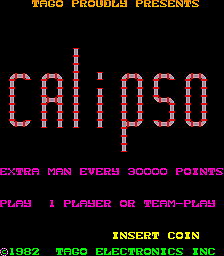
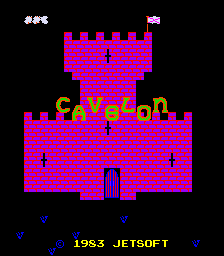
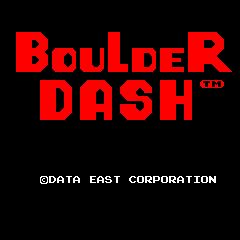
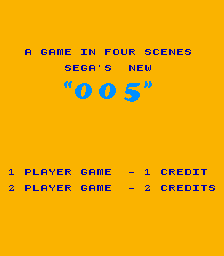
Nearby cabinets you may also open from this hall (each on its own play page):005, Alien Arena, Amidar, Anteater, Armored Car (set 1), Frisky Tom (Bandai), Blue Print (Midway), Botanic (English / Spanish), Bubbles, Calipso, Cavelon, Boulder Dash (DECO Cassette) (US)
005 · Alien Arena · Amidar · Anteater · Armored Car (set 1) · Frisky Tom (Bandai) · Blue Print (Midway) · Botanic (English / Spanish) · Bubbles · Calipso · Cavelon · Boulder Dash (DECO Cassette) (US)
Ashby Computers and Graphics Ltd. (Jaleco license) appears on this cabinet’s credit line. Browse more titles from the same studio on the developer shelf, or stay on this page and try the next cabinets in the same hall.
Retro games by Ashby Computers and Graphics Ltd. (Jaleco license)
Yes. Classic Arcade Games hosts Dingo as a Arcade cabinet you can start on this page. The emulator loads in the browser; you do not need to install a separate app.
Arcade stick feel: Arrow keys for the joystick, X/Z (and nearby keys) for buttons, Enter=Start. USB / Bluetooth pads map cleanly; six-button fighters use the face-button cluster.
Our catalog tags Dingo under Maze. Open those genre rooms from the tags on this page to find more playable cabinets in the same feel.
Copy the iframe code below to embed this game on your site.
<iframe src="https://classicarcade.games/games/arcade/dingo?embed=1" width="800" height="600" allowfullscreen allow="gamepad; autoplay; fullscreen"></iframe>