Play Game
Powered by EmulatorJS · Arcade
SNK Neo-Geo AES cart. published 17 years ago:
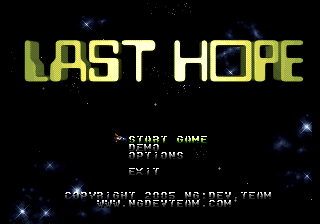
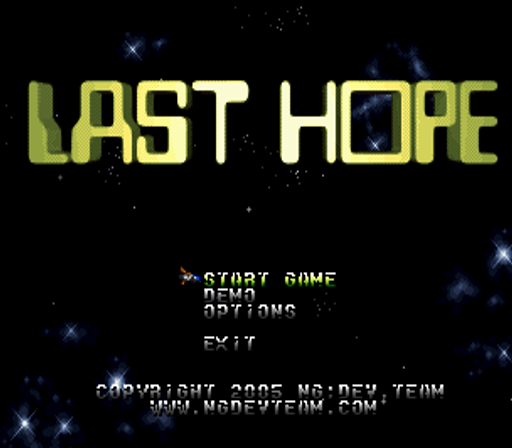
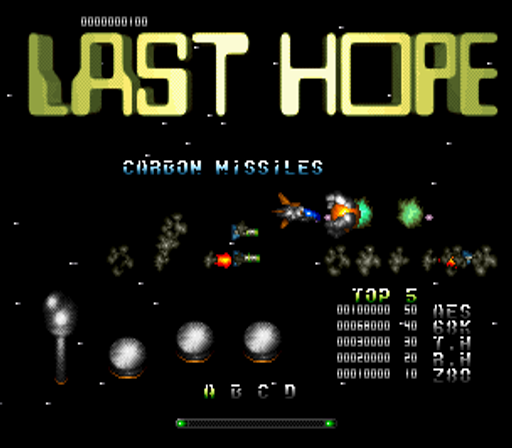
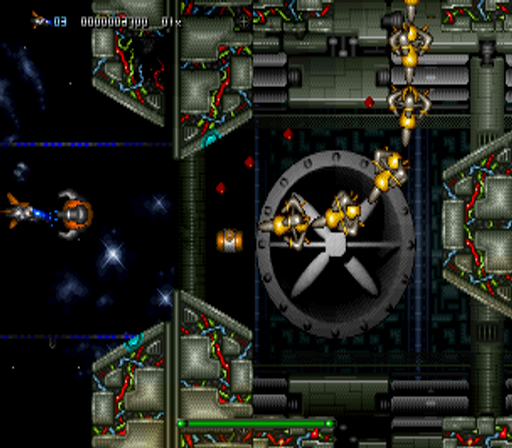
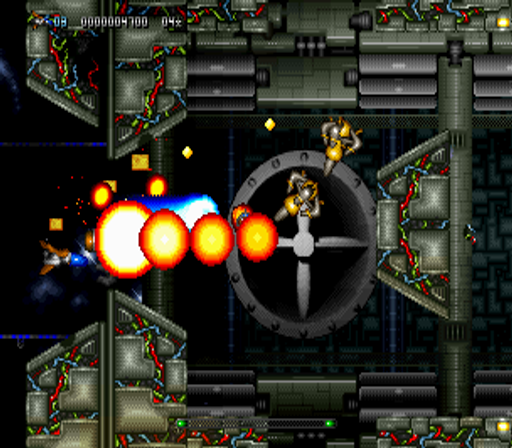
Last Hope - Pink Bullets (c) 2009 NG:Dev.Team.
The evil empire is rushing at light-speed across the galaxies, heading towards Mother Earth. Barely 24 hours ago, they penetrated the last defense line of our galaxy, the Arsion Laser Belt. Millions of innocent people perished in outer space colonies. 70% of our fleet was destroyed during first contact. Our intelligence has now extrapolated their arrival within six days. Conventional weapons cannot stop them. Our last hope is in your hands: The Z-42 Warpstar. Warp into their territories and destroy their leader before they reach Earth.
- TIPS AND TRICKS -
* Multiplier: you can raise up your score by making use of two multipliers. The first is the Bullet Absorb Multiplier and the second is the Beam Chain Multiplier. The individual score value of each enemy you destroy does multiply by both multipliers. By absorbing enemy bullets you can increase your Bullet Absorb Multiplier. Additionally you can increase this multiplier by absorbing bonus containers and hidden special bonus items. By chaining enemies, with your full charge beam, you can increase your Beam Chain Multiplier. This Beam Chain Multiplier is decreasing by one point per second while you don't beam chain enemies, so be quick.
- STAFF -
Project Management, Programming, Game Design, 2-D Graphics, Additional CGI Design, Sound FX: Timm Hellwig Concept Art, 2-D Graphics, Additional Game Design, Main CGI Design, Art Direction: René Hellwig Music, Voice Engineering: Rafael Dyll Cover Artwork: Steven Wen Manual Illustration: Hideyoshi Stage 5 Music Arrangement: Kaspar Zenklusen, Diego M. Fischer
Player layout in our catalog: 1P.
If you are exploring by feel rather than by title, jump from the tags above into the matching genre rooms, or return to the Arcade hall for the full wall.
Open Play on this page to start Last Hope (bootleg AES to MVS conversion, no coin support). Keyboard, USB/Bluetooth pads, and the on-screen touch gamepad all work inside the emulator bar. Save states and fullscreen live on that same bar so you can pause mid-session and resume later.
Last Hope (bootleg AES to MVS conversion, no coin support) is filed in our catalog as a 2005 release.
Player layout on this cabinet: 1P.
Genre tags on Classic Arcade Games: Shooter.
Credit line lists NG:DEV.TEAM as developer.
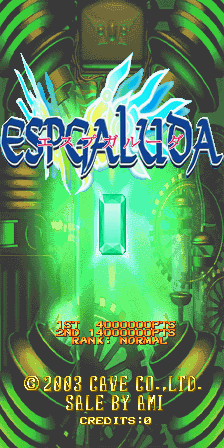
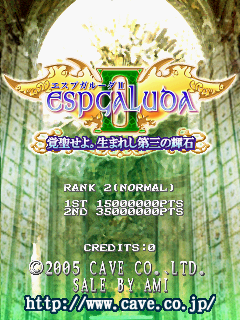
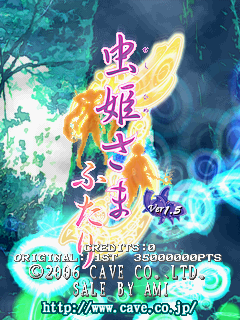
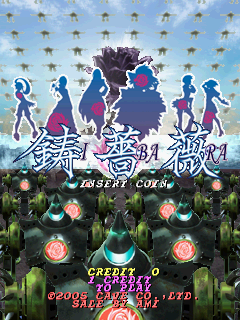
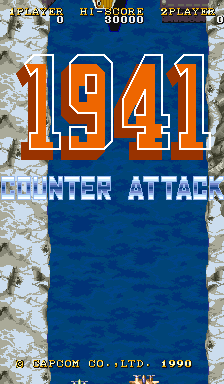
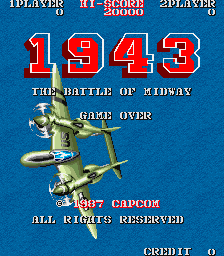
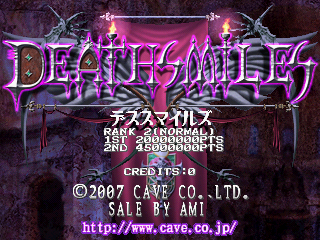
Nearby cabinets you may also open from this hall (each on its own play page):Deathsmiles (2007/10/09 MASTER VER), Espgaluda (2003/10/15 Master Ver), Espgaluda II (2005/11/14 MASTER VER, newer CV1000-B PCB), Mushihime-Sama Futari Ver 1.5 (2006/12/8.MASTER VER. 1.54.), Ibara (2005/03/22 MASTER VER..), Ibara Kuro Black Label (2006/02/06. MASTER VER.), Ms. Pac-Man 7-in-1 (Wireless) (Ms. Pac-Man, Pole Position, Galaga, Xevious, Mappy, New Rally X, Bosconian) (18 AUG 2004 A), Muchi Muchi Pork! (2007/ 4/17 MASTER VER.), Mushihime-Sama (2004/10/12.MASTER VER.), Pink Sweets: Ibara Sorekara (2006/04/06 MASTER VER....), 1941: Counter Attack, 1943: The Battle of Midway (Euro)
Deathsmiles (2007/10/09 MASTER VER) · Espgaluda (2003/10/15 Master Ver) · Espgaluda II (2005/11/14 MASTER VER, newer CV1000-B PCB) · Mushihime-Sama Futari Ver 1.5 (2006/12/8.MASTER VER. 1.54.) · Ibara (2005/03/22 MASTER VER..) · Ibara Kuro Black Label (2006/02/06. MASTER VER.) · Ms. Pac-Man 7-in-1 (Wireless) (Ms. Pac-Man, Pole Position, Galaga, Xevious, Mappy, New Rally X, Bosconian) (18 AUG 2004 A) · Muchi Muchi Pork! (2007/ 4/17 MASTER VER.) · Mushihime-Sama (2004/10/12.MASTER VER.) · Pink Sweets: Ibara Sorekara (2006/04/06 MASTER VER....) · 1941: Counter Attack · 1943: The Battle of Midway (Euro)
NG:DEV.TEAM appears on this cabinet’s credit line. Browse more titles from the same studio on the developer shelf, or stay on this page and try the next cabinets in the same hall.
Yes. Classic Arcade Games hosts Last Hope (bootleg AES to MVS conversion, no coin support) as a Arcade cabinet you can start on this page. The emulator loads in the browser; you do not need to install a separate app.
Arcade stick feel: Arrow keys for the joystick, X/Z (and nearby keys) for buttons, Enter=Start. USB / Bluetooth pads map cleanly; six-button fighters use the face-button cluster.
Our catalog tags Last Hope (bootleg AES to MVS conversion, no coin support) under Shooter. Open those genre rooms from the tags on this page to find more playable cabinets in the same feel.
Copy the iframe code below to embed this game on your site.
<iframe src="https://classicarcade.games/games/arcade/lasthope?embed=1" width="800" height="600" allowfullscreen allow="gamepad; autoplay; fullscreen"></iframe>