Play Game
Powered by EmulatorJS · Arcade
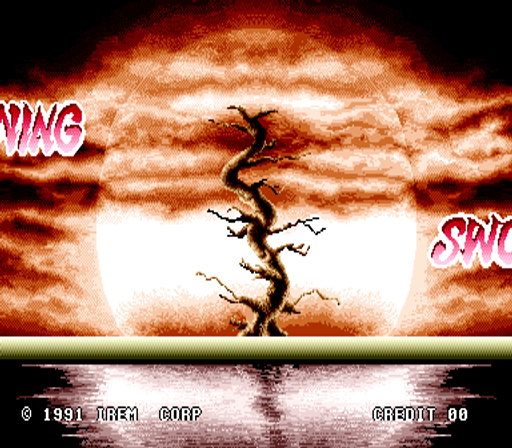
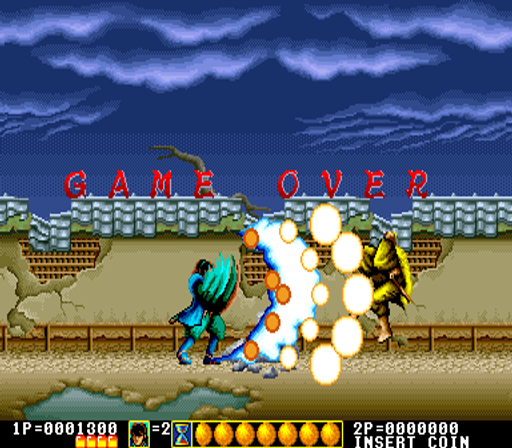
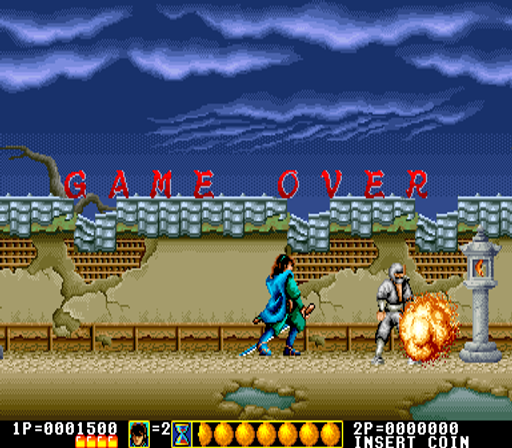
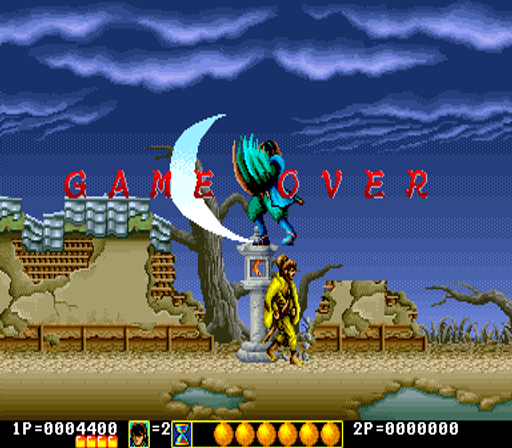
Slashing with a sharp katana allows the player to clear enemies while moving through various stages. Holding the attack button executes a special blow to manage crowds, while jumping helps navigate the 2D side-scrolling environments. After progressing through these areas, players must defeat durable bosses to complete each level in this two-player beat'em up.
Player layout in our catalog: 2P sim.
If you are exploring by feel rather than by title, jump from the tags above into the matching genre rooms, or return to the Arcade hall for the full wall.
Open Play on this page to start Lightning Swords. Keyboard, USB/Bluetooth pads, and the on-screen touch gamepad all work inside the emulator bar. Save states and fullscreen live on that same bar so you can pause mid-session and resume later.
Lightning Swords is filed in our catalog as a 1991 release.
Player layout on this cabinet: 2P sim.
Genre tags on Classic Arcade Games: Beat'em Up, Action / Adventure, Action.
Credit line lists Irem as developer.
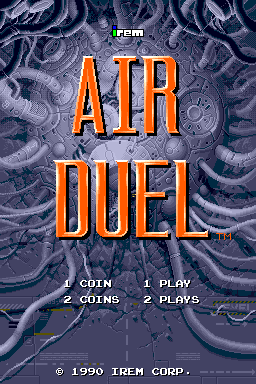
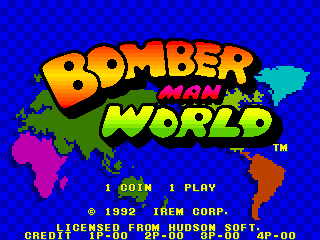
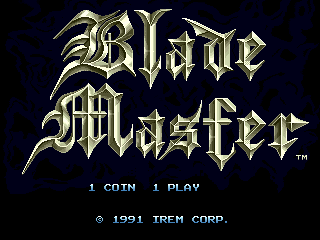
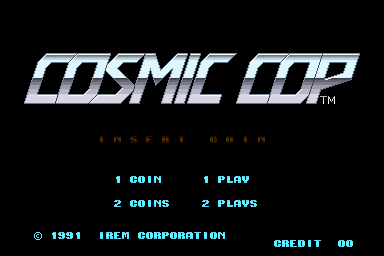
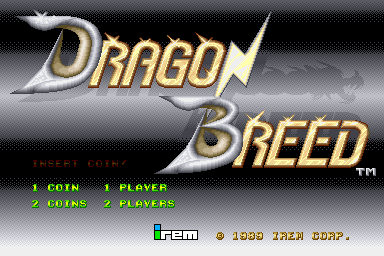
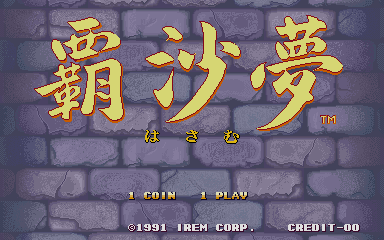
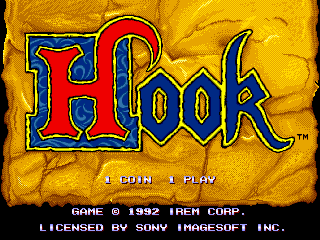
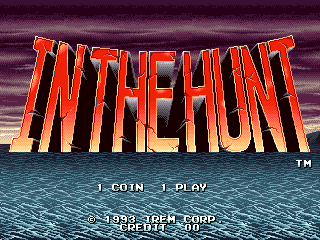
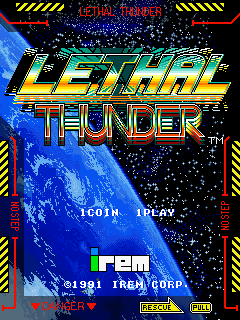
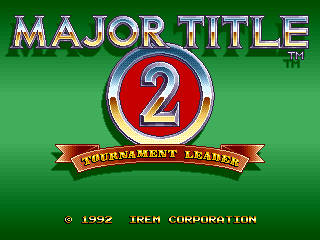
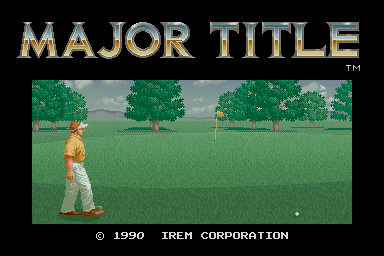
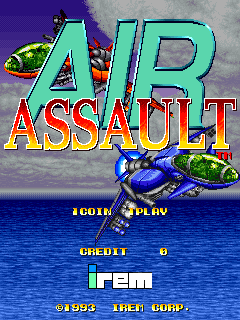
Nearby cabinets you may also open from this hall (each on its own play page):Air Assault (World), Air Duel (World, M82 hardware), Bomber Man World / New Dyna Blaster - Global Quest, Blade Master (World), Cosmic Cop (World), Dragon Breed (World, M81 hardware), Hasamu (Japan), Hook (World), In The Hunt (World), Lethal Thunder (World), Major Title 2 (World, set 1), Major Title (World)
The Punisher · Strider · Strider (handheld) · Warriors of Fate · Final Fight (World, set 1) · Final Fight Revenge / Final Revenge (JUET 990930 V1.100) · Metal Slug 2 - Super Vehicle-001/II (NGM-2410 ~ NGH-2410) · Metal Slug 3 (NGM-2560) · Metal Slug 4 (NGM-2630) · Metal Slug 5 (NGM-2680) · Metal Slug X - Super Vehicle-001 (NGM-2500 ~ NGH-2500) · Royal Card (Italian, Dino 4 hardware, encrypted)
Air Assault (World) · Air Duel (World, M82 hardware) · Bomber Man World / New Dyna Blaster - Global Quest · Blade Master (World) · Cosmic Cop (World) · Dragon Breed (World, M81 hardware) · Hasamu (Japan) · Hook (World) · In The Hunt (World) · Lethal Thunder (World) · Major Title 2 (World, set 1) · Major Title (World)
Irem appears on this cabinet’s credit line. Browse more titles from the same studio on the developer shelf, or stay on this page and try the next cabinets in the same hall.
Air Assault (World) · Air Duel (World, M82 hardware) · Bomber Man World / New Dyna Blaster - Global Quest · Blade Master (World) · Cosmic Cop (World) · Dragon Breed (World, M81 hardware) · Hasamu (Japan) · Hook (World)
Yes. Classic Arcade Games hosts Lightning Swords as a Arcade cabinet you can start on this page. The emulator loads in the browser; you do not need to install a separate app.
Arcade stick feel: Arrow keys for the joystick, X/Z (and nearby keys) for buttons, Enter=Start. USB / Bluetooth pads map cleanly; six-button fighters use the face-button cluster.
Our catalog tags Lightning Swords under Beat'em Up, Action / Adventure, Action. Open those genre rooms from the tags on this page to find more playable cabinets in the same feel.
Copy the iframe code below to embed this game on your site.
<iframe src="https://classicarcade.games/games/arcade/ltswords?embed=1" width="800" height="600" allowfullscreen allow="gamepad; autoplay; fullscreen"></iframe>